5031 N Gay Ave, Portland, OR 97217
Production Workflows

Building Consistent Label Variants in Silhouette Studio

A focused workflow for text and vector editing, duplication, and repeated project elements while keeping every label variant visually consistent.

Category: Repeated craft design Format: Variant Sets Brand role: Design environment
Silhouette Studio
Workflow Procedures

Tutorial Grid

Step-by-step documentation for configuring cutting perimeters, controlling vector layers, and replicating multi-variant labels in Silhouette Studio. Advanced nesting and multiple-cutter workflows are Business Edition-specific.

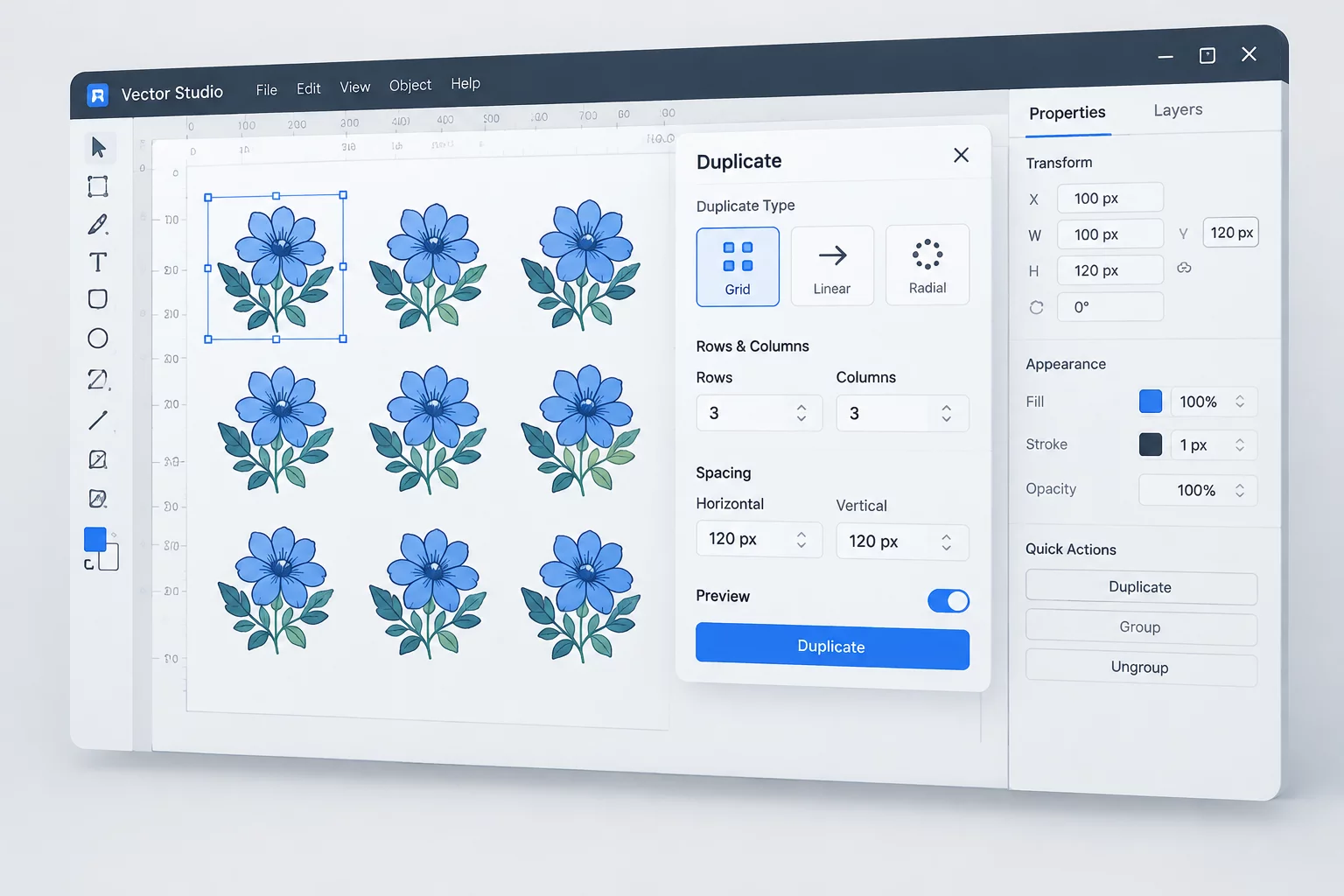
Duplication Setup workflow step in Silhouette Studio
WorkflowArthur Pendelton•

Duplication Setup

Systematic approach to arraying repeated badge designs with precision alignment and registration safety limits.

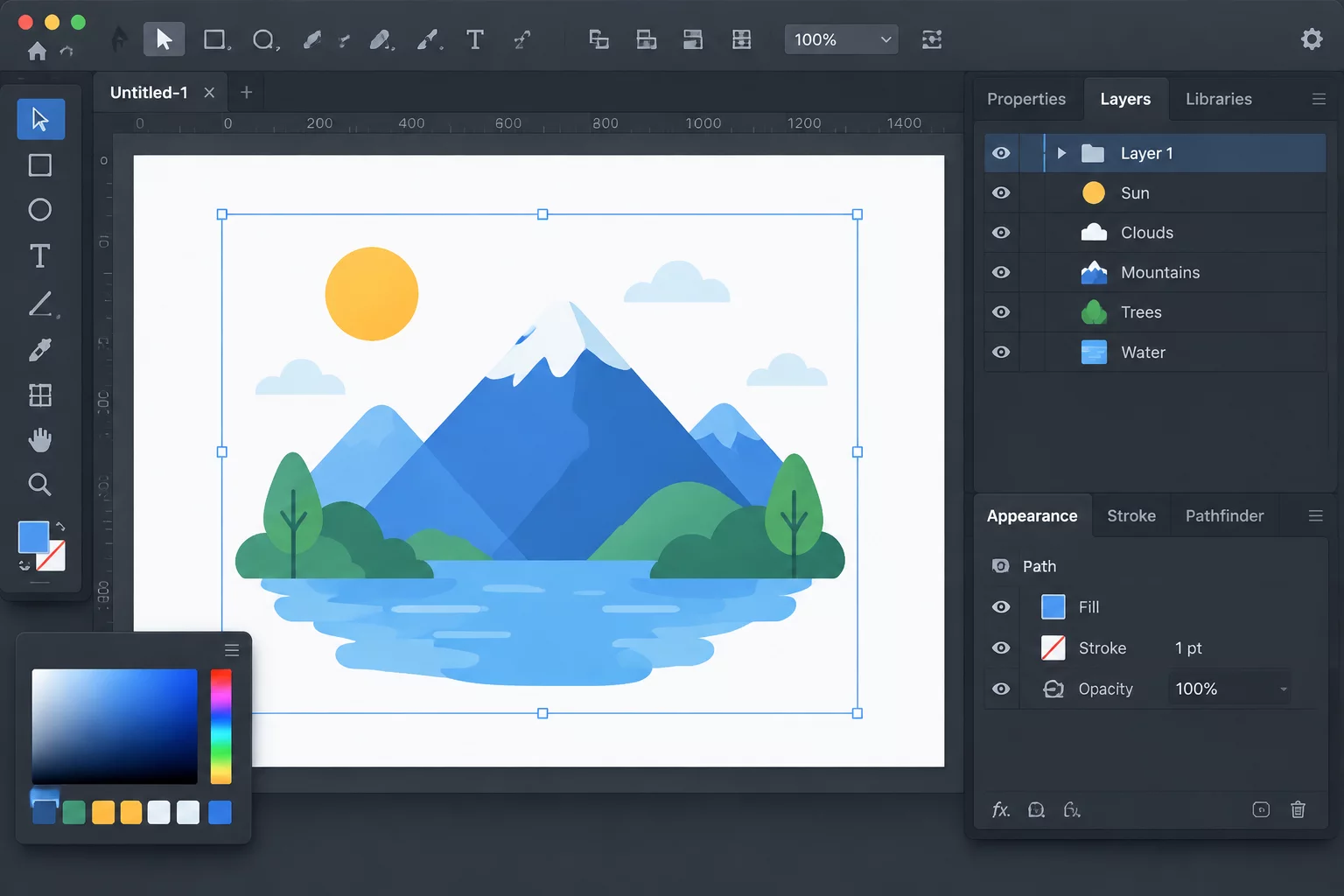
Vector Layer Management interface layout
Vector SetupElena Rostova•

Vector Layer Management

Isolating cut paths, score contours, and registration artwork across clean vector tiers to eliminate path overlap.

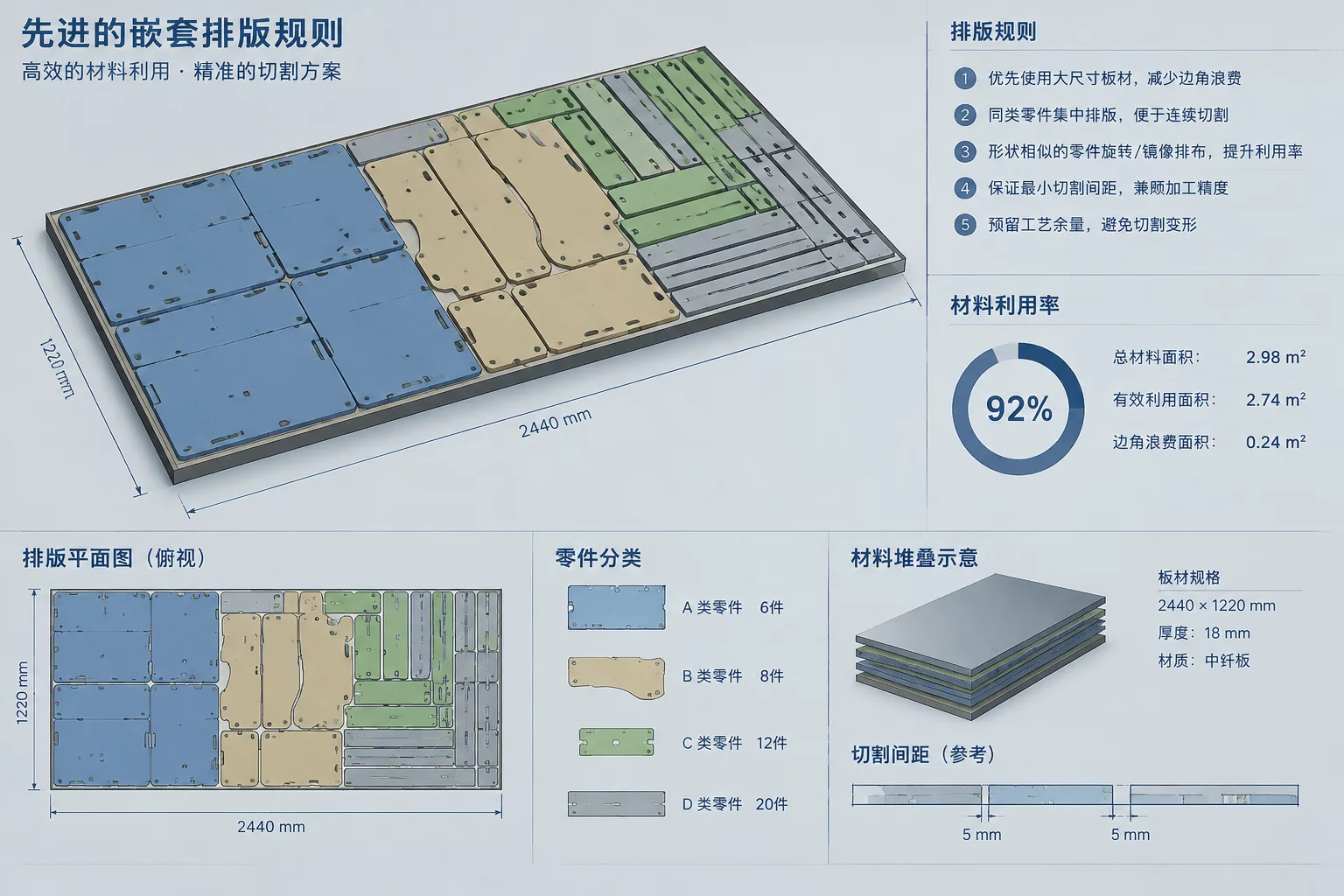
Advanced Nesting Rules arrangement diagram
Nesting RulesMarcus Vance•

Advanced Nesting Rules

Interlocking irregular contours and balancing spacing gaps to optimize sheet yields across production runs.

Looking for assistance with complex shape tolerances or specific multi-cutter arrangements?

Request Guide